Digital product engineering · Modernisation
Legacy application modernization for enterprises
We carry out legacy application modernization for enterprises: assessing the estate, deciding for each application whether to retire, replace, rehost or rebuild, and moving the business onto maintainable platforms step by step with the strangler pattern, API enablement, data migration with reconciliation and parallel runs. The business keeps running while the system underneath it changes, and you own the code.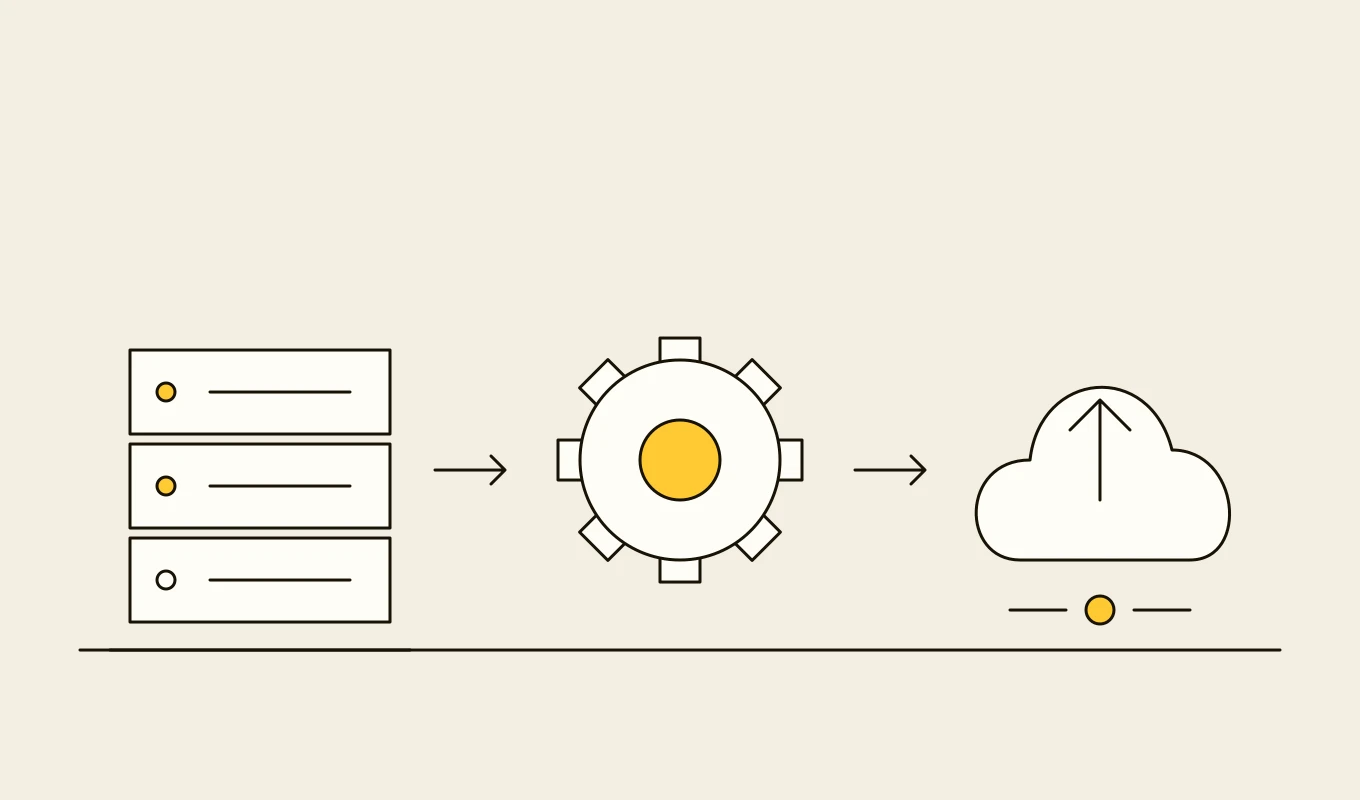
Reference architecture · Data and integration
Data platform and integration reference architecture
A reference checklist for enterprise integration, modernisation and data platform projects: domains, integration patterns, contracts, platform layers, master data, quality, security and operating model.- 01Eight areas to decide before you modernise, integrate or build a data platform.
- 02Contract, schema and versioning items that stop integrations breaking.
- 03Quality and ownership items that make a platform trusted.
- 04Seven questions to put to any vendor or development partner.
Free download
Get it on screen in a few seconds.
What the system does, module by module.
- 01
Estate assessment
An inventory of applications, interfaces and databases with usage, cost, risk, skills and dependencies, built from code analysis, logs and interviews. - 02
Disposition decisions
A recommendation for each application to retire, replace, rehost, replatform, refactor or rebuild, with the reasoning and the order of work. - 03
Characterisation tests
Automated tests that capture what the existing system actually does, so the new one can be shown to behave the same where it should. - 04
Facade and traffic routing
A proxy or API facade in front of the legacy application, so functions can move to new services one at a time and traffic switches gradually. - 05
API enablement
Stable APIs over legacy functions and data, so new products and partners can use them without touching the old code. - 06
New services and domain model
Rebuilt capabilities as cohesive services around business domains, with a clean data model rather than a copy of the old schema. - 07
Database and data migration
Schema redesign, migration scripts, change data capture during transition, and reconciliation reports that prove nothing was lost or changed. - 08
User interface modernisation
New web and mobile front ends over existing or new back ends, with workflows improved where users have asked for it. - 09
Platform, delivery and observability
Containers, automated build and release, monitoring and tracing, so the modernised estate is cheaper and safer to run.
Reference architecture.
Standards and interfaces
What we design against.
- Strangler fig pattern
- Incremental replacement by routing functions to new components until the old system has nothing left to do.
- Domain-driven design
- Bounded contexts and a shared language between business and engineering, used to decide where the service boundaries go.
- Twelve-factor application practice
- Configuration, logging, statelessness and disposability principles for services that run well on modern platforms.
- OpenAPI and AsyncAPI
- Contracts for the APIs and events that replace direct database access and file drops.
- OWASP ASVS
- Application security verification requirements used to review rebuilt code and to close the vulnerabilities of the old system.
- Change data capture
- Streaming changes from legacy databases so data stays in step during a transition without dual writes.
Data model
The core entities.
- Application and component
- Name, technology, owner, users, cost, interfaces, risk and disposition.
- Interface and dependency
- Source, target, protocol, volume, schedule and the business process it supports.
- Function and route
- Business function, where it runs now, where it should run and the switch status.
- Test case
- Scenario, input, expected result, source of the expectation and last run.
- Migration batch
- Scope, extract time, records moved, rejects, reconciliation result and sign-off.
- Cut-over plan
- Steps, owners, checks, rollback conditions and outcome.
- Decommission record
- System, data archived, access removed and the date it was switched off.
When custom development is the right call.
Controls designed in, not added later.
Close known weaknesses
Legacy systems carry old libraries and weak authentication. Modernisation includes replacing them and testing the result.Controlled data movement
Migration runs under access controls with masked data in test environments and a record of every extract.Separation of duties
Cut-over approvals, access changes and rollbacks need separate roles.Parallel-run safeguards
When old and new run together, writes happen in one place only, to avoid divergence.Audit trail
The migration and cut-over history is kept as evidence for auditors and regulators.
From discovery to a system you run.
- 01
Assess and decide
We inventory the estate, interview owners and users and recommend a disposition and a sequence for each application. - 02
Prepare the ground
Tests, facade, APIs and the delivery pipeline are set up before functions are moved, so every step is safe. - 03
Move one slice
One function or domain is rebuilt or replaced, its data is migrated and reconciled, and it runs in parallel with the old one. - 04
Switch and retire
Traffic is switched, the old function is switched off, and the next slice follows. - 05
Decommission and hand over
Remaining legacy systems are archived and decommissioned, and the new estate is handed over with documentation.
Relevant work
Where to see our work.
Common questions.
- Should we replace the legacy system or modernise it?
- It depends on whether the function is a commodity. Commodity functions are usually best replaced by a product. Functions that encode your own process are better modernised or rebuilt in steps. We recommend per application, not for the estate as a whole.
- How do you avoid a risky big-bang cut-over?
- By putting a facade in front of the old system and moving one function at a time, with tests that capture current behaviour, reconciled data and a rollback at each step.
- Can you work with mainframe or very old systems?
- Yes. We integrate with them through messaging, files and database interfaces, expose their functions as APIs and migrate them gradually. We do not need to rewrite them before we can build around them.
- How do you prove the new system matches the old one?
- Through automated characterisation tests, parallel runs on live data and reconciliation reports that compare results between the two systems.
- Who owns the code?
- You do. The code, the tests and the migration scripts stay yours.