Enterprise platforms · Agriculture
Agricultural dealer and ordering platform
We build custom agricultural dealer and ordering platforms for input suppliers, distributors and machinery dealers: a large product catalogue, recommendations by crop and problem, quotes and orders, seasonal credit and prepayment, delivery planning and sales analytics by region and crop. Advisers, dealers and farmers use one platform connected to your ERP and CRM, and you own the code.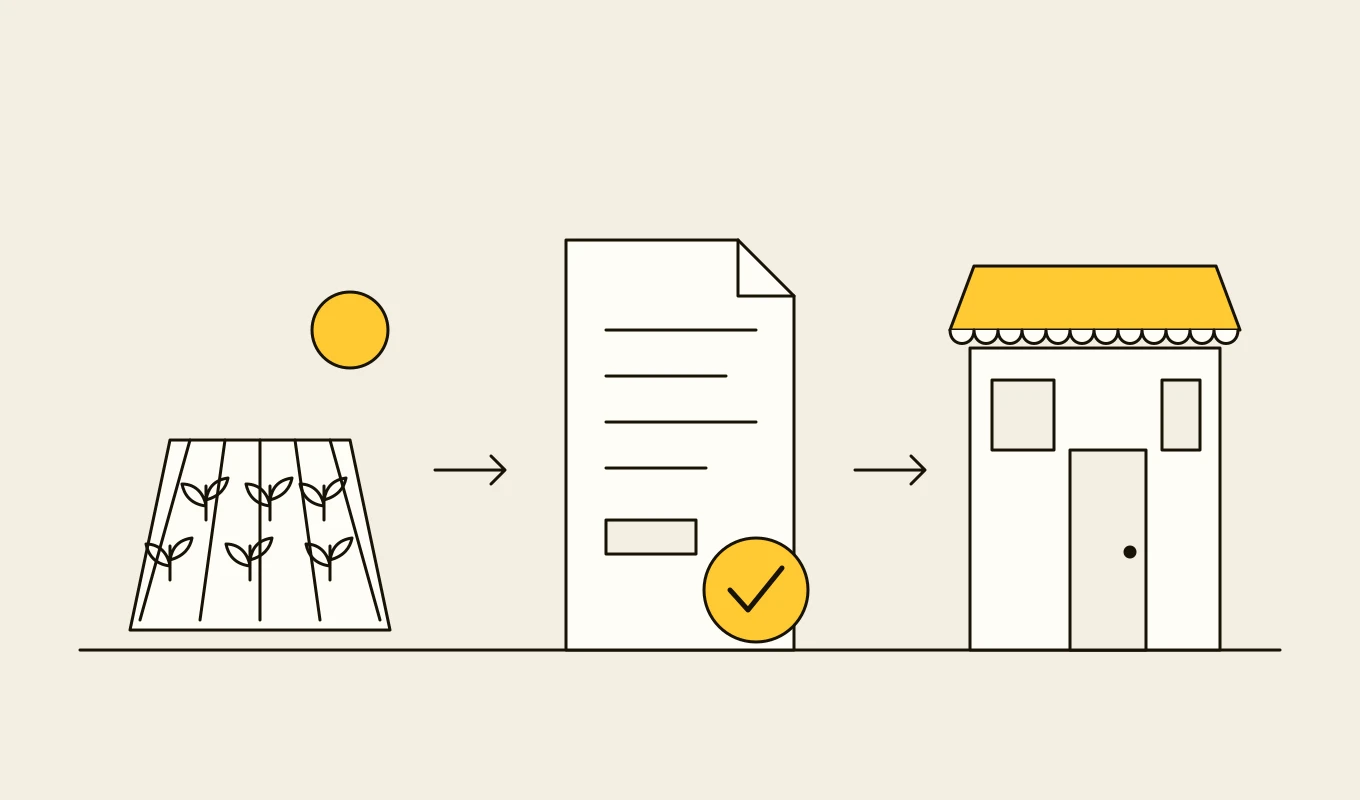
Checklist · Agriculture
Agri ERP and traceability requirements checklist
A requirements checklist for farm management, dealer, grain and field systems, with the records and geolocation that deforestation and food traceability rules ask for.- 01Eight requirement areas from the field register to compliance records.
- 02What plot-level geolocation and chain-of-custody records need to contain.
- 03Items for field apps that work without a mobile signal.
- 04Seven questions to put to any vendor or development partner.
Free download
Get it on screen in a few seconds.
What the system does, module by module.
- 01
Product catalogue
Seeds, fertilisers, crop protection, machinery and parts with specifications, registrations, label rates and documents, kept in one governed catalogue. - 02
Recommendations by crop and problem
Product suggestions by crop, growth stage, pest or disease and local registration, so the adviser sees what is permitted and available. - 03
Quotes and proposals
Quotes with alternatives and substitution rules, drafted from a recommendation and approved by an adviser before they are sent. - 04
Orders and availability
Ordering by farmers, advisers and dealers with live stock and delivery dates, and order changes tracked to dispatch. - 05
Credit, prepayment and terms
Seasonal credit limits, prepayment, payment schedules and approval, with balances visible to the farmer and to the dealer. - 06
Delivery and warehouse planning
Routes, vehicle loads and warehouse picking linked to orders, with delivery confirmation and proof of delivery. - 07
Dealer and distributor management
Dealer accounts, territories, targets, rebates and loyalty programmes with transparent statements. - 08
Adviser tools
A mobile workspace for advisers to see their farmers, past orders, field notes and recommendations, and to quote on the spot. - 09
Sales and demand analytics
Sales by crop, region, product and season, with demand signals for planning production, stock and logistics.
Reference architecture.
Standards and interfaces
What we design against.
- Product registration and label rules
- The national registers and labels that limit which crop protection products can be used on which crops, at which rates, which the recommendation logic must respect.
- CRM and ERP integration
- Native integration with CRM platforms such as Salesforce, and ERP interfaces for orders, stock and invoices.
- OpenAPI and EDI
- Interfaces for dealers and distributors that order from their own systems.
- GS1 product identification
- GTINs and batch identifiers for seeds and inputs, linking orders to traceability.
- Consumer and credit regulation
- Rules on credit, disclosure and personal data in the markets served.
- OWASP MASVS
- Security verification for the adviser mobile app.
Data model
The core entities.
- Product and registration
- Specification, active ingredients, registered crops and rates, status and documents.
- Farmer and farm
- Contact, fields, crops, adviser, credit terms and history.
- Recommendation
- Crop, stage, problem, products ranked, reasoning and the adviser who approved it.
- Quote and order
- Lines, substitutions, prices, terms, status and the ERP reference.
- Credit account
- Limit, balance, schedule, payments and approvals.
- Delivery
- Load, route, delivery time, confirmation and proof.
- Dealer agreement
- Territory, targets, rebates and statements.
When custom development is the right call.
Controls designed in, not added later.
Human approval of advice
Recommendations and quotes go out only after an adviser reviews them, and the approver is recorded.Regulatory guardrails
Registration and label checks run on every recommendation, and a product that is not registered for the crop cannot be quoted.Role-based and territory access
Dealers and advisers see their own farmers, prices and territories.Offline adviser app
Advisers work without a signal, and everything synchronises when they are back in coverage.Audit trail
Recommendations, quotes, orders and credit decisions are stored with the data used.
From discovery to a system you run.
- 01
Adviser and dealer journey review
We ride along with advisers and sit with the order desk and record how a recommendation becomes a quote, an order and a delivery. - 02
Catalogue and rules design
The catalogue structure, registration data, substitution rules and the interfaces to the ERP and CRM are agreed. - 03
Build the adviser workflow
Catalogue, recommendation and quote drafting come first, tested with a group of advisers. - 04
Add orders, credit and delivery
Ordering, credit terms and delivery planning follow, connected to the ERP and warehouse. - 05
Open to dealers and farmers
Dealers and farmers join, with analytics built on the same data trail.
Relevant work
Where to see our work.
Related
Keep reading.
Common questions.
- Can the platform handle a catalogue of tens of thousands of products?
- Yes. The catalogue is modelled with specifications and registrations so that search, filtering and recommendations work at that scale. The AgroPlatforma case study worked with a live catalogue of more than 20,000 products.
- How does it avoid recommending products that are not permitted?
- Registration and label data are part of the catalogue, and recommendations are filtered by crop, rate, region and registration status before an adviser sees them.
- Does it work with Salesforce?
- Yes. Quotes, accounts and orders can be created and updated in Salesforce, and the platform can run as a native layer on top of it, as in the AgroPlatforma project.
- Can farmers order directly?
- Yes, through a portal or app with their own prices and credit terms, with orders that need advice routed to their adviser.
- Who owns the code and the data?
- You do. The code, the catalogue and the data stay yours.