Digital product engineering · Agriculture
Agronomist and field scouting app
We build agronomist and field scouting apps for agricultural businesses: offline field visits with maps and geotagged photos, AI-assisted crop diagnosis, soil and tissue sampling, recommendations tied to your product catalogue and a report to the grower, synchronised to your CRM and farm data. The app is designed for a phone in a field with no signal, and you own the code.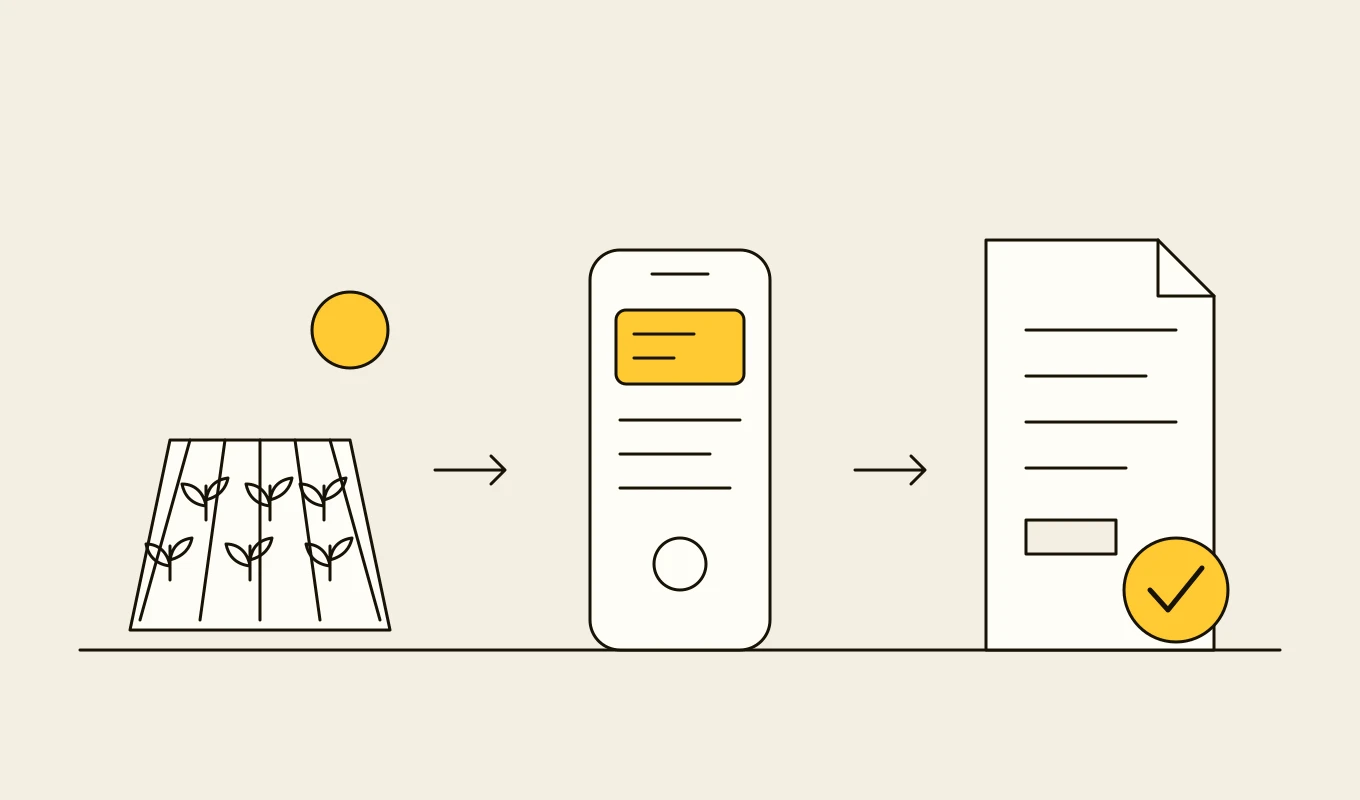
Checklist · Agriculture
Agri ERP and traceability requirements checklist
A requirements checklist for farm management, dealer, grain and field systems, with the records and geolocation that deforestation and food traceability rules ask for.- 01Eight requirement areas from the field register to compliance records.
- 02What plot-level geolocation and chain-of-custody records need to contain.
- 03Items for field apps that work without a mobile signal.
- 04Seven questions to put to any vendor or development partner.
Free download
Get it on screen in a few seconds.
What the system does, module by module.
- 01
Farm and field list
The adviser's farmers, fields and history on one screen, available offline, with maps showing boundaries and the visit's position. - 02
Scouting visits
Visit templates for crop and growth stage, with observations, pest and disease counts, weed and nutrient notes and pins on the map. - 03
Geotagged photos
Photos taken in the app with location, date and field, attached to observations and kept in the field's history. - 04
AI-assisted diagnosis
Analysis of photos and context to suggest likely problems and severity, with the adviser confirming or correcting the result. - 05
Sampling
Soil and tissue sampling plans with sample identifiers, sample locations and results returned from laboratories to the field record. - 06
Recommendations from the catalogue
Treatments and products suggested from the live catalogue, checked for registration, rates and compatibility, then sent for quote or order. - 07
Weather and growth stage context
Local weather, forecasts and crop stage on the visit screen, so advice reflects conditions on the day. - 08
Tasks and follow-ups
Tasks for the grower and the adviser with due dates and reminders, and the status of previous recommendations. - 09
Reports and synchronisation
A visit report to the grower in a few taps, with data synchronised to the CRM, the farm system and analytics.
Reference architecture.
Standards and interfaces
What we design against.
- BBCH scale
- The standard scale for describing the growth stages of crops and weeds, used in visit templates and recommendations.
- OGC and GeoJSON
- Field boundaries and observation locations in open geospatial formats.
- Registration and label rules
- National product registers and label rates applied to every recommendation.
- OWASP MASVS
- Mobile application security verification for storage, authentication and communication.
- Accessibility and field ergonomics
- Large controls, high contrast and one-handed use in bright light.
- Data protection law
- Consent and purpose for farmer and field data, and rules for sharing with third parties.
Data model
The core entities.
- Farmer, farm and field
- Contact, boundaries, crop, soil data and adviser assignment.
- Visit
- Date, adviser, field, crop stage, weather and summary.
- Observation
- Type, severity, location, notes and linked photos.
- Photo and diagnosis
- Image, position, AI suggestion, adviser confirmation and confidence.
- Sample and result
- Sample identifier, type, location, laboratory and results.
- Recommendation
- Products, rates, timing, registration check and status.
- Task and follow-up
- Description, owner, due date and outcome.
When custom development is the right call.
Controls designed in, not added later.
Offline data protection
Data on the device is encrypted, sessions expire, and lost devices can be wiped remotely.Human confirmation of AI output
AI diagnoses are suggestions that an adviser confirms or corrects, and the final decision is recorded.Consent and sharing
Farmer data is shared only as agreed, and consent can be withdrawn.Safe synchronisation
Updates are idempotent and conflict-checked, so no visit is lost or duplicated.Audit trail
Observations, recommendations and changes carry user, time and location.
From discovery to a system you run.
- 01
Field ride-along
We join advisers on visits and record what they look at, how they take notes and what they send afterwards. - 02
Design and data model
Visit templates, diagnosis flows and the connections to the catalogue and CRM are designed with advisers and tested in the field. - 03
Build the offline core
Field list, scouting, photos and sync come first, trialled by a group of advisers on real visits. - 04
Add AI, sampling and recommendations
Diagnosis, sampling and recommendations from the catalogue are added, with quotes drafted in the CRM. - 05
Roll out and learn
More advisers and regions follow, and the data trail is used to improve diagnosis and recommendations.
Relevant work
Where to see our work.
Common questions.
- Does the app work with no mobile signal?
- Yes. Fields, history, templates and the catalogue are stored on the device, and visits, photos and notes are queued for upload and synchronised when coverage returns.
- How accurate is the AI diagnosis?
- It is a suggestion to the adviser, who confirms or corrects it. We measure accuracy on your crops and conditions, show confidence, and improve the models from the corrections.
- Can recommendations be turned into quotes?
- Yes. A confirmed recommendation can create a draft quote in your CRM, for approval, with products checked against registrations and availability.
- Which devices does it support?
- Standard iOS and Android phones and tablets, built with a cross-platform framework such as Flutter or natively where needed.
- Who owns the code?
- You do. The code, the designs and the data stay yours.