Digital product engineering · Banking
Corporate and SME banking portal development
We develop corporate and SME banking portals for banks: a secure web and API channel where business clients initiate payments, upload payment files, approve with the right people, see statements and balances, and request trade and credit services. The portal connects to your payment hub, core and ERP systems your clients already use, and you own the code.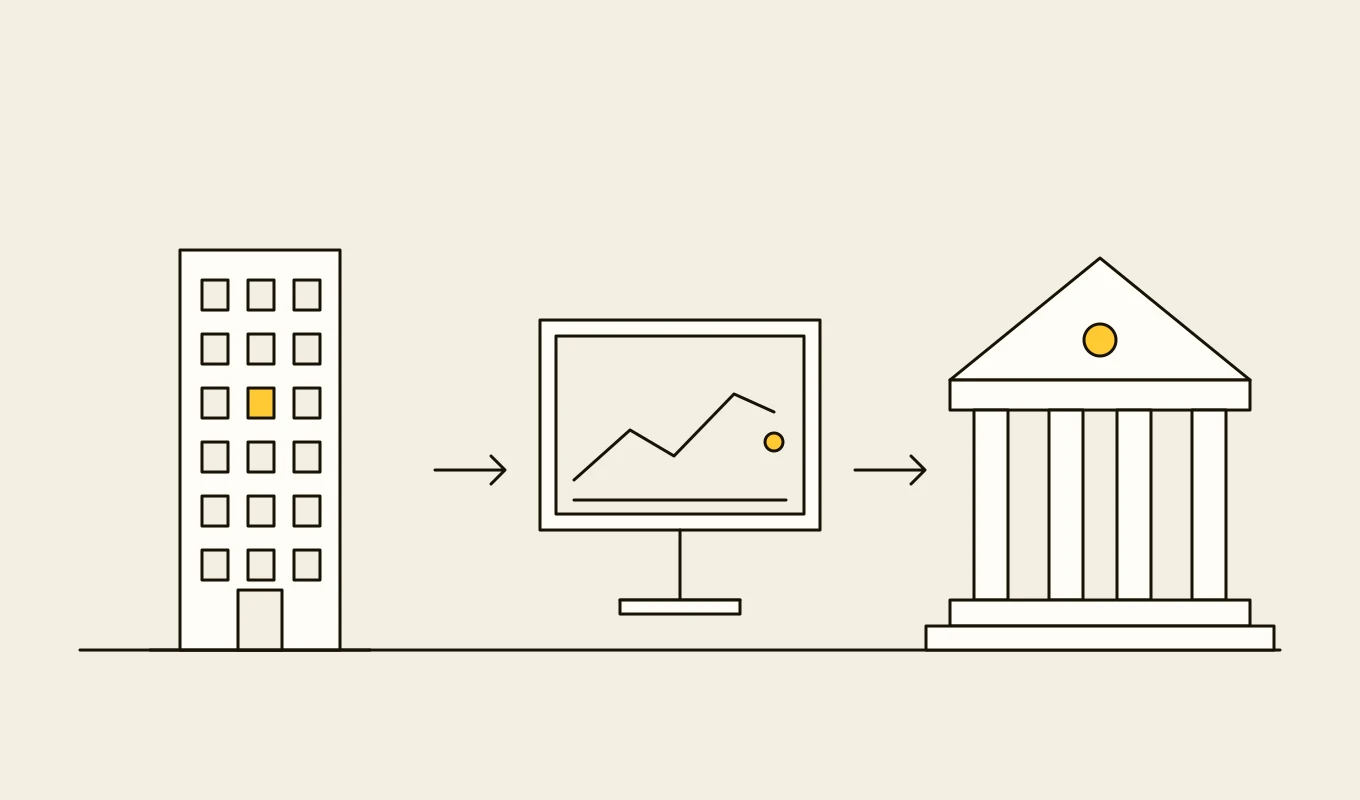
Checklist · Payments
Payment hub and ISO 20022 readiness checklist
A checklist for banks and payment firms planning a payment hub, a real-time payments connection or an ISO 20022 migration: formats, mapping, validation, routing, exceptions, reconciliation and resilience.- 01Eight areas to review before you choose or build a payment platform.
- 02The message and data points that cause rejections: addresses, identifiers and remittance data.
- 03Questions on cut-offs, liquidity and exception handling.
- 04Seven questions to put to any vendor or development partner.
Free download
Get it on screen in a few seconds.
What the system does, module by module.
- 01
Client onboarding and set-up
Digital onboarding of corporate clients, their users and accounts, with the bank's own checks and an approval before anything goes live. - 02
Entitlements and limits
Roles, account access, product access and per-user limits held as a matrix, with maker-checker on every change and a full history. - 03
Payment initiation
Single, bulk and recurring payments, templates and beneficiary books, with validation before submission and clear status afterwards. - 04
File upload and host-to-host
Upload of payment files in standard formats and secure host-to-host exchange for clients that automate payments from their ERP. - 05
Approval workflow
Multi-level approval by amount, account and payment type, with mobile approval and transaction signing for the approvers. - 06
Account information
Balances, intraday transactions and end-of-day statements in screen, file and API form, with search and export. - 07
Trade and credit requests
Requests for guarantees, letters of credit, overdraft changes and loans, with status tracking and document exchange. - 08
ERP and treasury connectivity
Connectors to common ERP and treasury systems, with ready mappings so clients can send and reconcile payments from their own software. - 09
Notifications and service
Alerts for approvals, rejected payments and statement availability, and a secure message channel to the client's relationship team.
Reference architecture.
Standards and interfaces
What we design against.
- ISO 20022 pain and camt
- pain.001 payment files and pain.002 status reports in, camt.052, camt.053 and camt.054 statements and notices out.
- Strong authentication and signing
- Multi-factor authentication, hardware or app-based tokens and transaction signing, with step-up for high-risk actions.
- OAuth 2.0 and OpenID Connect
- Single sign-on for the bank's own staff and for client identity providers where clients prefer them.
- Host-to-host protocols
- SFTP and API-based exchange with signing and encryption for automated client connections.
- Accessibility guidelines
- WCAG 2.2 for the web channel, so every staff member of the client can use it.
- Supervisory expectations
- Technology risk, authentication and operational resilience guidance that shapes design and testing.
Data model
The core entities.
- Client and company
- Legal entity, group links, accounts in scope, products enabled and contacts.
- User and role
- Identity, authentication methods, roles, account and product access and limits.
- Payment instruction
- Payer, beneficiary, amount, date, status and the file or channel it came from.
- Approval record
- Required levels, who approved, with what signature, and when.
- Beneficiary and template
- Saved payees and templates with their validation history and approval.
- Statement and notification
- Reports delivered, formats, delivery status and acknowledgement.
- Request case
- Trade or credit request, documents, status and the bank team responsible.
When custom development is the right call.
Controls designed in, not added later.
Strong authentication
Multi-factor authentication for every user, with risk-based step-up and transaction signing for payments.Maker-checker everywhere
Changes to users, limits, beneficiaries and payments need separate people, with approval enforced by the system.Session and device control
Short sessions, device binding, anomaly detection and fast revocation of access.Fraud signals
Behaviour and beneficiary checks before payments are released, with a path to hold and verify.Audit and non-repudiation
A signed record of who did what and when, retained for the period the bank's policy requires.
From discovery to a system you run.
- 01
Client journey review
We interview business clients and relationship teams and trace their top payment and reporting tasks through the current channel. - 02
Experience and architecture design
Screens, entitlements and the interfaces to the hub and core are agreed with product, security and operations. - 03
Build the core journeys
Entitlements, payments and approvals ship first, then files and statements, then trade and credit requests. - 04
Client pilot
A group of clients uses the portal with real payments and limits while support and monitoring are tuned. - 05
Migrate and extend
Clients move over in waves, with ERP connectors and new services added from the product roadmap.
Relevant work
Where to see our work.
Common questions.
- Can the portal sit on top of several back-end systems?
- Yes. The portal talks to the payment hub, the core and other systems through APIs, so clients see one channel while the bank keeps its existing back-ends.
- Does it support payment files from client ERP systems?
- Yes. The portal accepts standard payment files and supports automated host-to-host exchange, with validation and status reports returned in the same format.
- How are approvals handled for large payments?
- Approval levels are set per account and payment type. Approvers can sign on mobile, and a payment is released only when every required level has signed.
- Is it accessible?
- The web channel is designed to WCAG 2.2 and tested with keyboard and screen readers, since many staff at a client company will use it daily.
- Who owns the code?
- You do. The code, the designs and the data stay yours.