Digital product engineering · Banking
Mobile banking app development
We develop mobile banking apps for banks and fintechs: accounts and payments, card controls, QR payments, biometric login, push alerts and support, built on your APIs and secured to the standards that mobile security reviewers use. The app ships on a controlled release process that suits a regulated bank, and you own the code.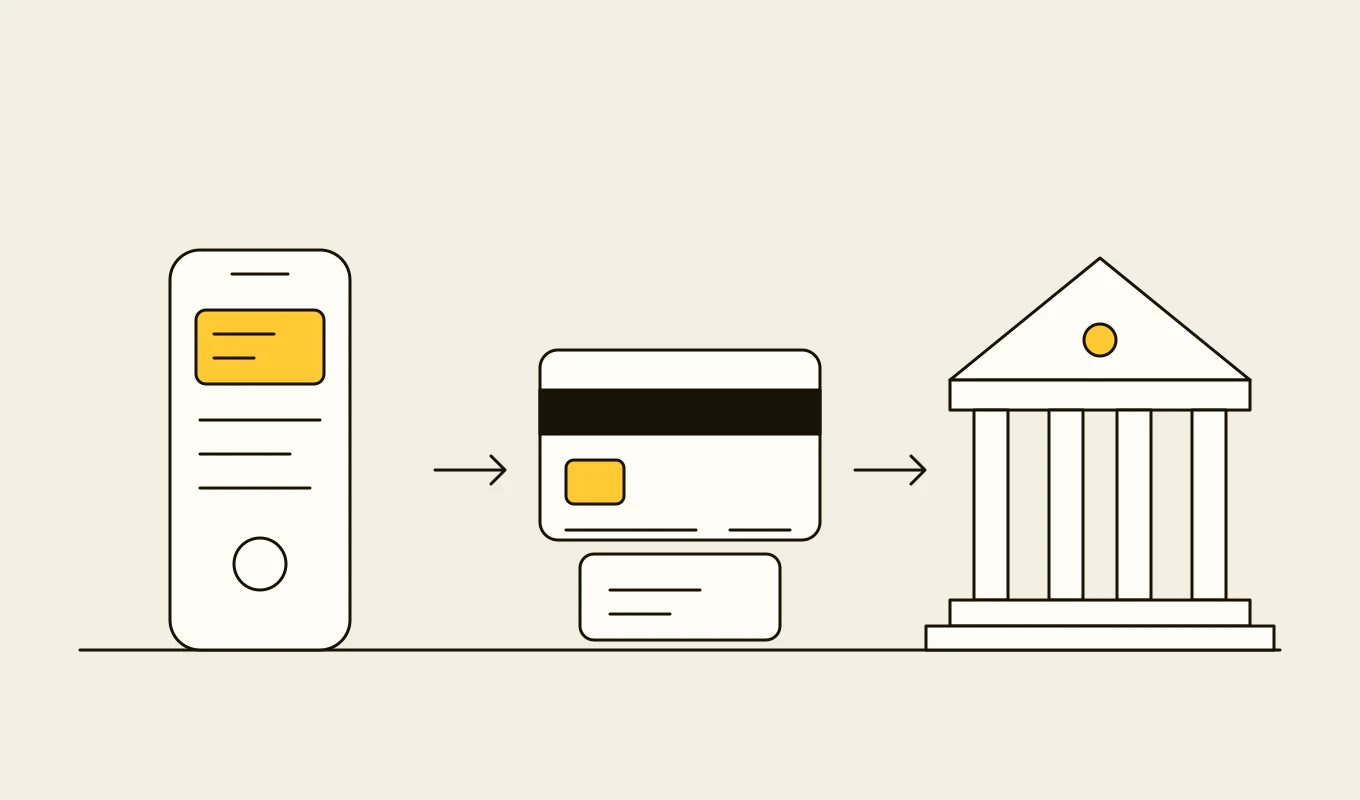
Checklist · Payments
Payment hub and ISO 20022 readiness checklist
A checklist for banks and payment firms planning a payment hub, a real-time payments connection or an ISO 20022 migration: formats, mapping, validation, routing, exceptions, reconciliation and resilience.- 01Eight areas to review before you choose or build a payment platform.
- 02The message and data points that cause rejections: addresses, identifiers and remittance data.
- 03Questions on cut-offs, liquidity and exception handling.
- 04Seven questions to put to any vendor or development partner.
Free download
Get it on screen in a few seconds.
What the system does, module by module.
- 01
Onboarding and login
Digital onboarding where the product allows it, device binding, biometric sign-in and recovery flows that do not weaken security. - 02
Accounts and statements
Balances, transaction history with search, statements and spending insight, from cached data when the connection is poor. - 03
Payments and transfers
Own-account, domestic and cross-border transfers, bill payments, standing orders and instant payments, with confirmation of payee where available. - 04
QR and wallet payments
Scan and show codes following the market's QR standard, and tokenised cards for the major mobile wallets. - 05
Card management
Freeze and unfreeze, limits, online and overseas controls, PIN management and dispute initiation. - 06
Alerts and notifications
Push, SMS and in-app messages for transactions, security events and service updates, with preference controls. - 07
Service and support
In-app messaging, secure document exchange and handoff to an agent with the customer's context. - 08
Lending and savings journeys
Applications for loans, deposits and other products inside the app, connected to the bank's origination systems. - 09
Analytics and release control
Privacy-respecting usage analytics, feature flags and staged rollouts so changes reach customers gradually and can be withdrawn.
Reference architecture.
Standards and interfaces
What we design against.
- OWASP MASVS and MASTG
- The Mobile Application Security Verification Standard and its testing guide, used as the checklist for design, build and penetration testing.
- FIDO2 and WebAuthn
- Passkey and device-bound credentials as a stronger alternative to passwords and one-time codes.
- EMV tokenisation and 3-D Secure 2
- Card tokens for mobile wallets and strong authentication for online card payments.
- QR payment standards
- The local QR specification and EMVCo's merchant-presented mode for scan-to-pay.
- WCAG 2.2 and platform guidelines
- Accessibility and the iOS and Android design and review guidelines, including screen reader support.
- Supervisory expectations
- Authentication, technology risk and customer protection guidance that governs mobile channels.
Data model
The core entities.
- Customer and device
- Customer identity, enrolled devices, binding keys and trust state.
- Session and authentication event
- Method used, risk score, step-up outcome and the device.
- Account view
- Cached balances and transactions with the source timestamp.
- Payment and beneficiary
- Instruction, confirmation, status and saved payees with their verification.
- Card and control setting
- Token, status, limits and channel controls.
- Notification and preference
- Messages sent, channel, delivery status and the customer's settings.
- Feature flag and release
- Feature, audience, version, rollout state and the owner.
When custom development is the right call.
Controls designed in, not added later.
Hardened app
Certificate pinning, jailbreak and root detection, obfuscation, secure storage of keys in the device's hardware-backed store and no sensitive data in logs.Strong authentication
Biometrics bound to device keys, risk-based step-up for payments and quick revocation of lost devices.Server-side authority
Limits, entitlements and business rules enforced in the back end, never trusted from the app.Testing and review
Static and dynamic analysis in the pipeline, dependency scanning and independent penetration testing against MASVS.Controlled releases
Signed builds, staged rollout, remote kill switches for features and a tested path to force an upgrade.
From discovery to a system you run.
- 01
Product and risk alignment
We agree the first journeys, the authentication model and the security requirements with product, security and compliance. - 02
Design and API contracts
The user experience is designed and tested with customers, and the API contracts are agreed with the teams that own the back ends. - 03
Build and test
The app ships in releases to an internal group, with automated tests and security checks in every build. - 04
Staged launch
A small customer group goes live first, with monitoring of crashes, drop-offs and fraud signals. - 05
Grow and maintain
Journeys are added, operating system updates are tracked and the release process stays under the bank's change control.
Relevant work
Where to see our work.
Related
Keep reading.
Common questions.
- Should the app be native or cross-platform?
- Both work. Cross-platform frameworks such as Flutter share most of the code and suit most banking journeys. Native code is used for the parts that need deep platform features, such as device-bound keys and wallet integration.
- How do you make a mobile banking app secure?
- By following OWASP MASVS from design onward, keeping the real authority on the server, using device-bound keys and testing the app with automated analysis and an independent penetration test.
- Can the app work with a legacy core?
- Yes, through an integration layer of stable APIs and read models. The app never depends on the core's formats.
- How are releases managed in a regulated bank?
- Through a pipeline with approvals, signed builds, staged rollout and the ability to withdraw a feature remotely, aligned with your change management policy.
- Who owns the code?
- You do. The code, the designs and the data stay yours.