Data engineering · Manufacturing
OEE and production analytics dashboards
We build OEE and production analytics dashboards for manufacturers: availability, performance and quality measured per machine, line and shift from machine data, a loss tree that shows where time and output go, downtime reasons captured at the moment, and live boards on the line. Operators and managers see the same numbers, defined once, and you own the platform and the code.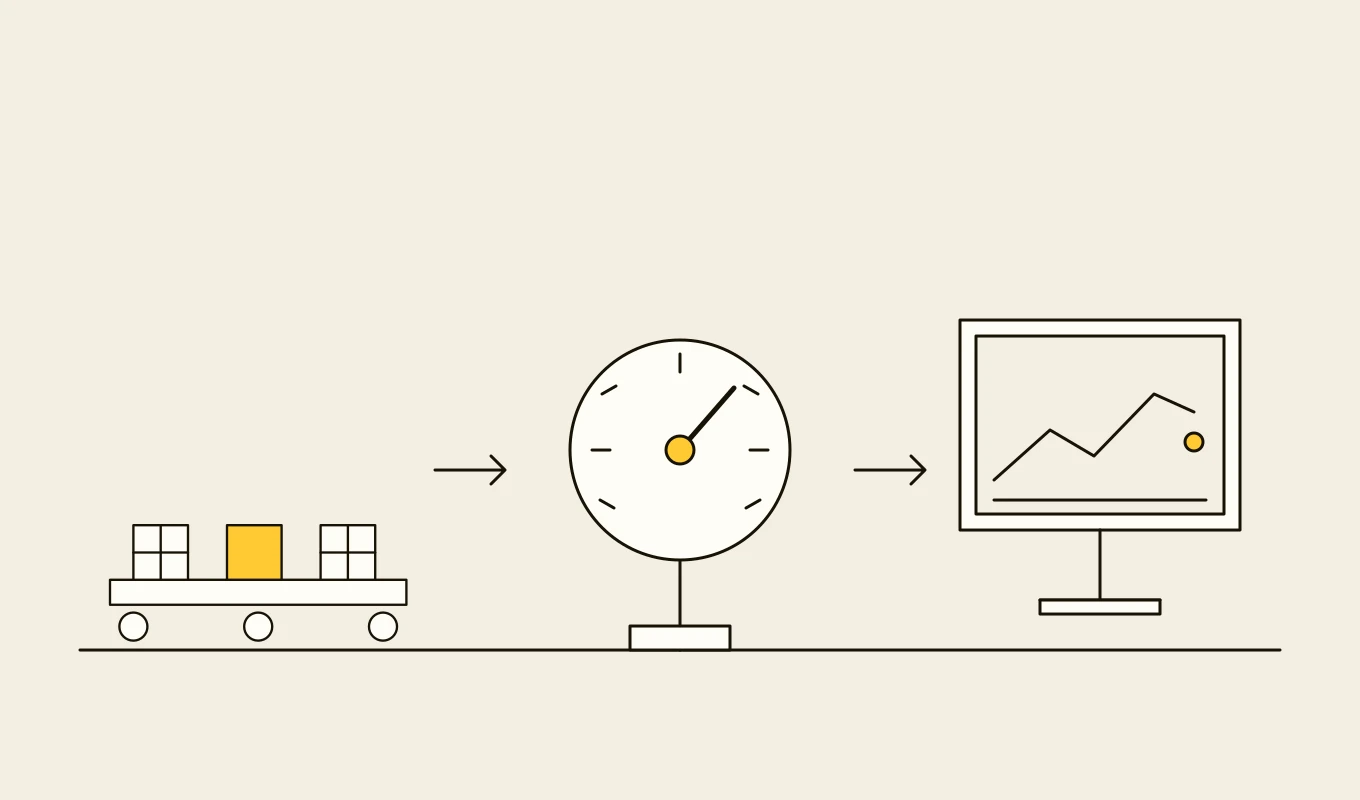
Requirements template · Manufacturing
Manufacturing systems requirements template
A requirements template for a manufacturing execution system or manufacturing operations layer, organised around ISA-95: orders, scheduling, shop-floor data, traceability, quality, equipment and integration.- 01Eight requirement areas written as testable statements.
- 02The fields a machine signal list needs before you connect equipment.
- 03Integration points with the ERP and the plant network.
- 04Seven questions to put to any vendor or development partner.
Free download
Get it on screen in a few seconds.
What the system does, module by module.
- 01
Machine data capture
States, counts, cycle times and rejects from PLCs, sensors and the MES, with a model that turns raw signals into running, stopped, starved and blocked states. - 02
OEE calculation
Availability, performance and quality combined per machine, line and shift, with definitions that follow the standard and with planned and unplanned stops separated. - 03
Loss tree and six big losses
A structured breakdown of lost time and output into categories such as breakdowns, changeovers, minor stops, reduced speed, scrap and start-up losses. - 04
Downtime reason capture
Prompts at the machine or on a tablet for the cause of each stop, with short lists, defaults and a time limit so data is captured when it is fresh. - 05
Pareto and trend analysis
Top causes of loss by machine, product and period, trends and comparison between shifts, lines and plants. - 06
Live line boards
Andon-style displays of current output against target, state and open issues, readable from the floor. - 07
Shift and production reports
Automatic shift reports, handover notes and daily and weekly summaries, replacing manual spreadsheets. - 08
Product and order context
Performance by product, order and operator, so differences caused by what is made are separated from differences caused by how. - 09
Alerts and improvement tracking
Alerts on stops and slow cycles, and tracking of improvement actions with their effect on OEE.
Reference architecture.
Standards and interfaces
What we design against.
- ISO 22400
- Key performance indicators for manufacturing operations management, including the definitions of OEE and its components.
- OPC UA and MQTT
- Interfaces for machine signals, with a unified namespace where one exists.
- ISA-95
- Equipment hierarchy and production performance exchange between operations and business systems.
- Lean and TPM practice
- The six big losses and loss tree structure used in total productive maintenance.
- OpenAPI and BI interfaces
- Interfaces to reports, boards and the data platform.
- Ergonomics for shop-floor displays
- Readability, colour and contrast guidelines for boards seen from a distance.
Data model
The core entities.
- Machine and line
- Identifier, type, hierarchy position, ideal cycle time and the signals used.
- State interval
- State, start and end, duration, reason and the order running.
- Production count
- Good and rejected quantities by interval, machine and order.
- Downtime reason
- Reason code, category, whether planned and the operator who entered it.
- OEE record
- Availability, performance, quality and OEE by machine, line, shift and period.
- Improvement action
- Description, loss addressed, owner, due date and measured effect.
- Shift
- Calendar, crews, breaks, targets and handover notes.
When custom development is the right call.
Controls designed in, not added later.
One-way data flow
Machine data is read from the operational side only, and the system sends no commands.Consistent definitions
OEE definitions are versioned and applied the same way in every report, with changes dated and approved.Offline terminals
Reason capture works through network faults and synchronises afterwards.Role-based access
Operators, supervisors and managers see the views they need.Audit trail
Edits to reasons and states are recorded with user and time.
From discovery to a system you run.
- 01
Definitions and loss review
We agree how OEE and losses are defined with operations, maintenance and quality, and review what data is available. - 02
Connect one line
One line's signals are connected and modelled into states, and the first OEE figures are compared with the team's own. - 03
Add reason capture and boards
Downtime reason capture and live boards go live on the line, with operator feedback shaping the screens. - 04
Analysis and reports
Pareto, trends and automatic shift reports replace manual spreadsheets. - 05
Scale across lines and plants
More lines and plants follow, with improvement tracking tied to the numbers.
Relevant work
Where to see our work.
Common questions.
- How do you define OEE so that everyone trusts it?
- By agreeing the definition once with operations, maintenance and quality, based on the standard, writing it down and applying it in every report. Planned and unplanned stops, ideal cycle times and what counts as good output are decided explicitly.
- Can we get OEE without connecting every machine?
- Yes. Machines without signals can be tracked with counters, a simple sensor or tablet entry, and then upgraded. Start where the losses are largest.
- How do you get operators to enter downtime reasons?
- By making it quick, with short lists by machine, prompts at the moment of the stop and visible use of the data. Reasons that nobody uses stop being entered.
- Does it connect to our MES?
- Yes. Orders, products and shifts come from the MES, and OEE and loss data can feed back into it and into maintenance and quality systems.
- Who owns the code and the data?
- You do. The code, the definitions and the data stay yours.