Enterprise platforms · Manufacturing
Warehouse and inventory management system
We build custom warehouse and inventory management systems for manufacturers: receiving and put-away, locations, lot and serial tracking, picking and packing, line-side material supply and cycle counting, with barcode and RFID scanning on every move. Stock in the system matches stock on the shelf, and the ERP gets accurate movements, and you own the code.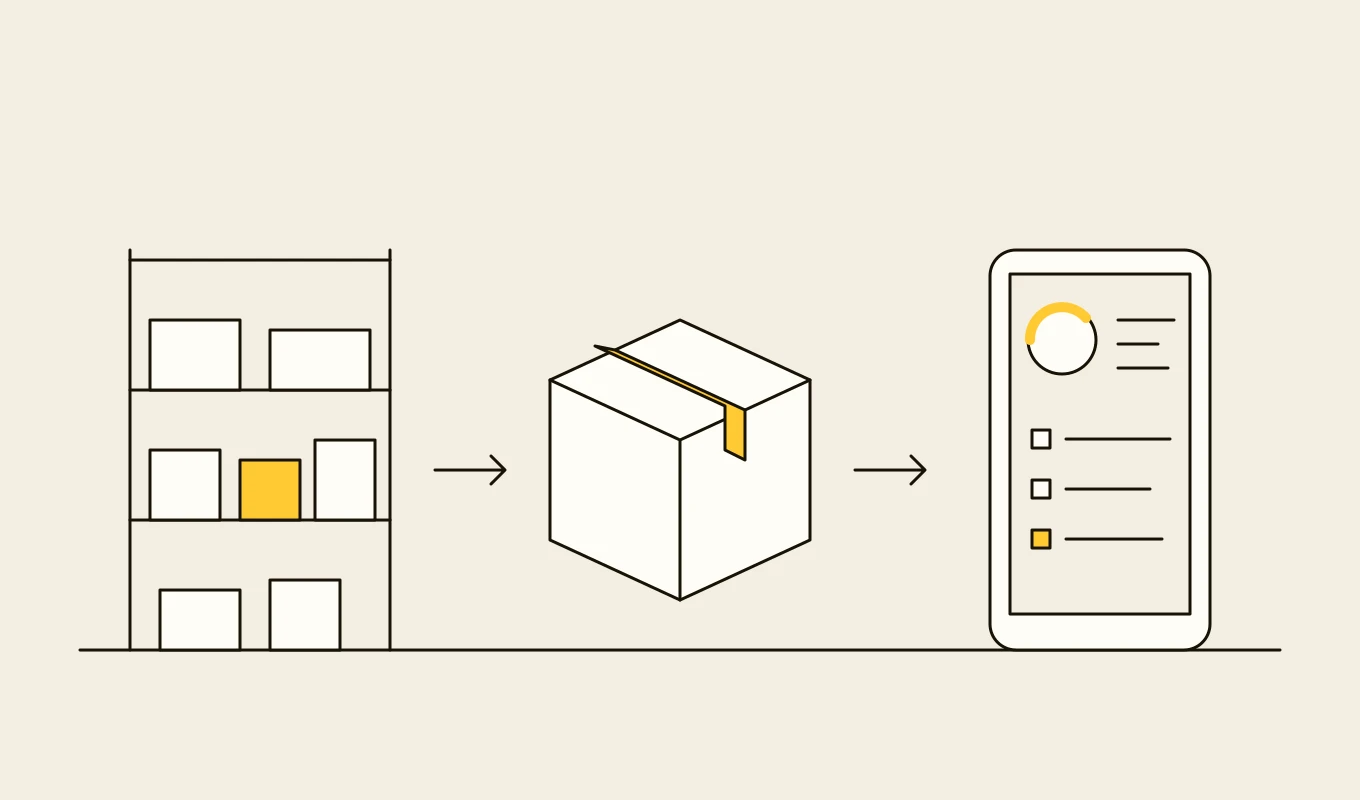
Requirements template · Manufacturing
Manufacturing systems requirements template
A requirements template for a manufacturing execution system or manufacturing operations layer, organised around ISA-95: orders, scheduling, shop-floor data, traceability, quality, equipment and integration.- 01Eight requirement areas written as testable statements.
- 02The fields a machine signal list needs before you connect equipment.
- 03Integration points with the ERP and the plant network.
- 04Seven questions to put to any vendor or development partner.
Free download
Get it on screen in a few seconds.
What the system does, module by module.
- 01
Receiving and inspection
Receipt against purchase orders and advance shipping notices, with quantity and quality checks, labelling and quarantine where needed. - 02
Put-away and location management
Rules that direct goods to the right location by product, size, velocity and storage conditions, with a map of every bin and rack. - 03
Lot, serial and expiry control
Tracking of lots and serial numbers from supplier to customer, with expiry, first-expired-first-out and holds. - 04
Picking strategies
Wave, batch, zone and cluster picking, with pick paths and task assignment to operators on handheld scanners. - 05
Line-side and kitting
Supply of materials to production lines by kit or replenishment signal, linked to work orders and bills of material. - 06
Packing, labelling and shipping
Packing with verification, shipping labels and documents, carrier integration and dispatch confirmation. - 07
Cycle counting and adjustments
Continuous counting by rule, with variances investigated, approved and posted to the ERP with a reason. - 08
Warehouse control and automation
Interfaces to conveyors, sorters, automated guided vehicles and storage systems, with task orchestration and exception handling. - 09
Inventory visibility and reporting
Stock by location, status and owner, ageing, accuracy and warehouse productivity reports available across sites.
Reference architecture.
Standards and interfaces
What we design against.
- GS1 standards
- GTIN, SSCC and GS1-128 identifiers and labels, and EPCIS for event-based traceability across partners.
- EDI messages
- ASN and order messages in ANSI X12 and EDIFACT, or API equivalents, exchanged with customers and suppliers.
- RFID standards
- EPC Gen2 tags and readers for item and pallet identification where RFID is used.
- ISA-95
- Material movement exchange between business planning, the warehouse and manufacturing operations.
- Hazardous and regulated goods rules
- Storage and segregation rules for chemicals, batteries or food, applied as location and compatibility rules.
- ERP interfaces
- APIs, IDocs, files or queues for stock postings and master data.
Data model
The core entities.
- Item and unit of measure
- Item, identifiers, packaging levels, dimensions, storage rules and shelf life.
- Location and container
- Bin, rack, zone, capacity, restrictions and the handling units stored.
- Stock record
- Item, lot or serial, quantity, location, status and owner.
- Receipt and order line
- Expected and received quantities, supplier, order and inspection result.
- Task
- Type (put-away, pick, move, count), source, destination, assignee, status and time.
- Movement
- From, to, quantity, reason and the user or device that scanned it.
- Count and adjustment
- Expected, counted, variance, reason, approver and posting.
When custom development is the right call.
Controls designed in, not added later.
Scanned and attributed moves
Every movement is tied to a user, a device and a task, so stock changes cannot happen unrecorded.Adjustment approval
Inventory adjustments above a threshold need approval and a reason, and are visible in reports.Resilience on the floor
Handhelds work through network gaps, queue transactions and resolve conflicts on reconnection.Role-based access
Receiving, picking, supervisors and finance see only the functions they need.Audit trail
Stock history is append-only, so any balance can be reconstructed from its movements.
From discovery to a system you run.
- 01
Warehouse process walk
We walk the flows of goods from receiving to shipping and into production, and record how stock is identified, moved and counted. - 02
Location, label and rule design
The location model, labels, put-away and picking rules and ERP postings are designed with the warehouse and finance teams. - 03
Build and test with scanners
Receiving, put-away and picking are built and tested on real devices in the warehouse. - 04
Go live by zone
Zones go live one at a time, starting with a counted and labelled area, with cycle counts proving accuracy. - 05
Extend to line-side and automation
Line-side supply, kitting and automation interfaces are added, with reports on accuracy and productivity.
Relevant work
Where to see our work.
Common questions.
- Do we need a WMS if our ERP tracks inventory?
- The ERP usually knows quantity by plant or store. A warehouse system adds locations, tasks, scanning and lot control, which is what makes stock accurate and picking efficient.
- Can it supply production lines directly?
- Yes. Line-side supply uses material calls from work orders or replenishment signals, with kits or containers delivered to the line and issued against the order.
- Does it support RFID?
- Yes, alongside barcodes. RFID reads for receiving and dispatch, and for assets and pallets, are handled through readers and the same task model.
- How do you keep system stock accurate?
- By scanning every move against a task, counting continuously by rule, and posting reviewed adjustments with reasons, so variances become investigations.
- Who owns the code?
- You do. The code, the rules and the data stay yours.