Data engineering · Oil and gas
Oil and gas management reporting and analytics portal
We build oil and gas management reporting and analytics portals: one place where executives, asset managers and partners see production, cost, safety, project and financial performance from governed data, with a shared KPI dictionary, drill-down to the underlying records and a workflow for the commentary that goes with the numbers. It replaces monthly assembly of slides and spreadsheets, and you own the portal and the code.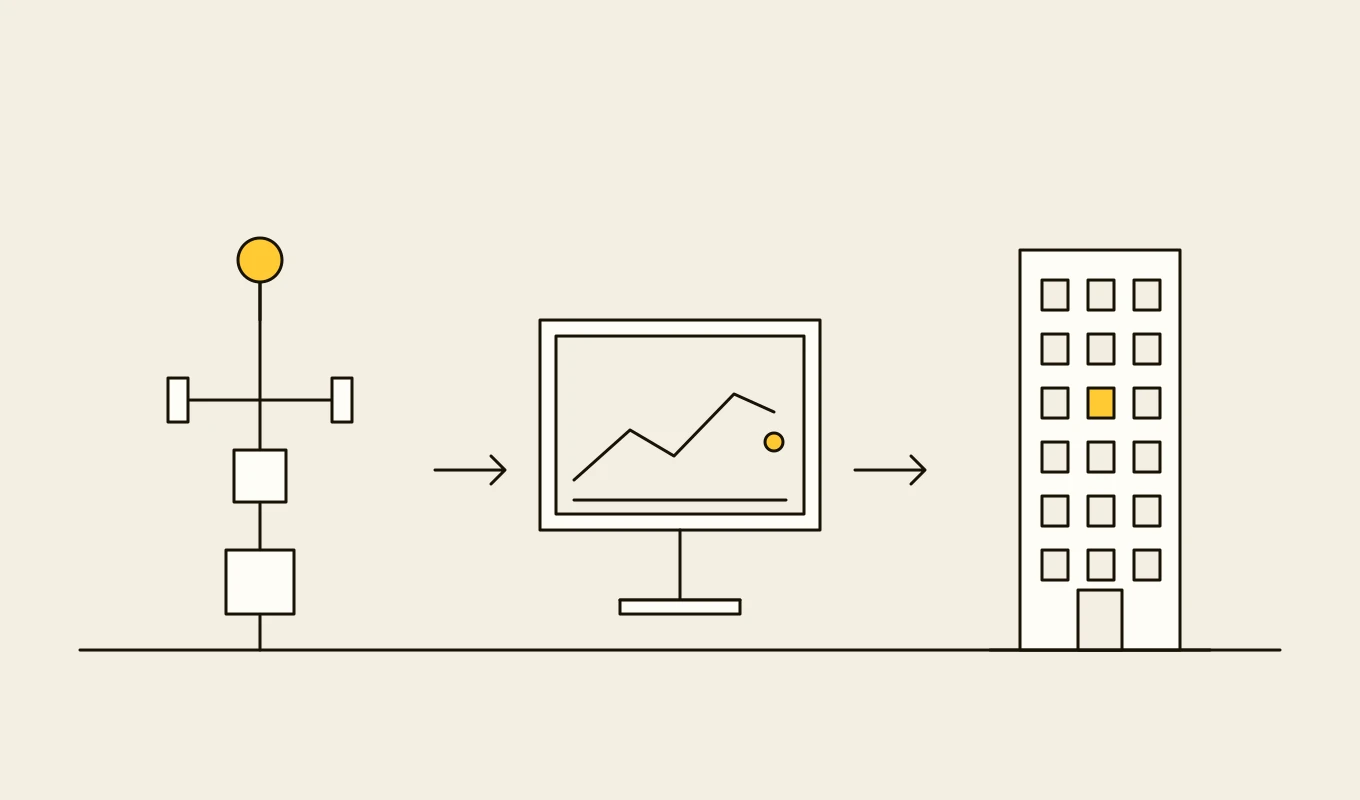
Requirements · Capital projects and ventures
Project controls and JV reporting requirements
Requirements to adapt for a project controls, joint venture accounting, engineering information or contractor portal system: structure, cost, schedule, progress, change, partner reporting, handover and access.- 01Eight requirement areas written as testable statements.
- 02Items for AFE approval, cash calls and partner statements.
- 03Handover, document control and contractor portal checks.
- 04Seven questions to put to any vendor or development partner.
Free download
Get it on screen in a few seconds.
What the system does, module by module.
- 01
KPI dictionary
Definitions, formulas, owners and sources for every indicator, so production, cost and safety measures mean the same in every report. - 02
Source integration
Feeds from production, accounting, HSE, maintenance, project controls and joint venture systems, with reconciliation between them. - 03
Governed data layer
A data layer that stores each figure once with its period, version and approval status, and keeps restatements and history. - 04
Role-based dashboards
Views for executives, asset managers, discipline leads and partners, each limited to what they may see and tuned to their decisions. - 05
Drill-down and exploration
Movement from a portfolio figure to asset, field, well and record, and from a variance to its drivers, in the same tool. - 06
Plan, forecast and actual
Comparison of actuals with budget, forecast and previous periods, with variance explanations and trend. - 07
Commentary and approval workflow
Owners enter explanations against the numbers, reviewers approve them and the approved text travels with the report. - 08
Report packs and distribution
Scheduled monthly and quarterly packs, board and partner reports, with versioning and secure distribution. - 09
Mobile and offline views
Executive and field summaries on mobile, with cached views for areas of poor connectivity.
Reference architecture.
Standards and interfaces
What we design against.
- KPI and metric governance
- A single dictionary of definitions with owners and change control, so the same name means the same measure in all reports.
- IOGP safety and environmental indicators
- Common definitions for safety and environmental performance reporting that the HSE indicators follow.
- PRODML and production reporting conventions
- Production figures and categories consistent with allocation and partner reporting.
- Accounting and joint venture reporting rules
- The treatment of costs and revenues in venture and statutory reports, which management figures must reconcile to.
- IBCS notation
- International Business Communication Standards for consistent charts and tables.
- Data protection and confidentiality
- Controls on commercially sensitive information shared with partners.
Data model
The core entities.
- KPI
- Name, definition, formula, owner, source, unit and the reports that use it.
- Fact and period
- Value by asset, period and version, with approval status and source batch.
- Hierarchy
- Company, region, asset, field and facility structures with effective dates.
- Plan and forecast version
- Budget and forecast values, version, owner and approval.
- Commentary
- Text, author, reviewer, status and the figure it explains.
- Report pack
- Contents, period, recipients, version and distribution log.
- Access policy
- Role, asset and partner scope, and the views each may open.
When custom development is the right call.
Controls designed in, not added later.
Approved figures only
Dashboards show approved figures by default, with provisional data clearly marked.Partner and role separation
Each audience sees only its assets, ventures and commercial data, enforced on the server.Restatement history
Changes to reported figures keep the earlier values, the reason and the approver.Distribution control
Report packs are watermarked, time-limited and logged.Audit trail
Views of sensitive data, changes to definitions and approvals are recorded.
From discovery to a system you run.
- 01
Reporting review
We list the reports, audiences and spreadsheets, and the time spent assembling them, with executives, asset teams and finance. - 02
KPI and data design
The KPI dictionary, the data layer and the reconciliation rules are agreed with the owners of the source systems. - 03
Build the first dashboards
A first set of executive and asset dashboards goes live on reconciled data, and is compared with the current monthly pack. - 04
Add commentary and packs
The commentary workflow and automated packs replace manual assembly. - 05
Open to partners and extend
Partner views, further indicators and mobile access are added.
Relevant work
Where to see our work.
Common questions.
- Why not just build dashboards in a BI tool?
- You can, and a BI tool is often part of the answer. The harder part is the governed data and the KPI dictionary behind it. Without them, dashboards in different tools disagree, and nobody trusts them.
- How do you reconcile figures between production, finance and HSE?
- Each source feed is reconciled to its system of record and cross-checked against related feeds, and differences are shown with explanations before figures are approved.
- Can partners have their own views?
- Yes. Partner views are built from the same data, filtered to the ventures they share, with their own packs and distribution.
- Who writes the commentary?
- Owners write it against the figures in the portal, reviewers approve it, and the approved text is attached to the report, so explanations are not lost between spreadsheets and slides.
- Who owns the portal and the code?
- You do. The code, the definitions and the data stay yours.