AI/ML engineering · Engineering
RAG assistant for engineering documents
We build RAG assistants for engineering documents: assistants that answer questions from standards, procedures, datasheets, drawings and reports with citations to the exact page, respecting revisions and document permissions, and saying so when the documents do not contain the answer. Engineers find the right requirement faster, and the assistant runs inside your boundary. You own the system and the code.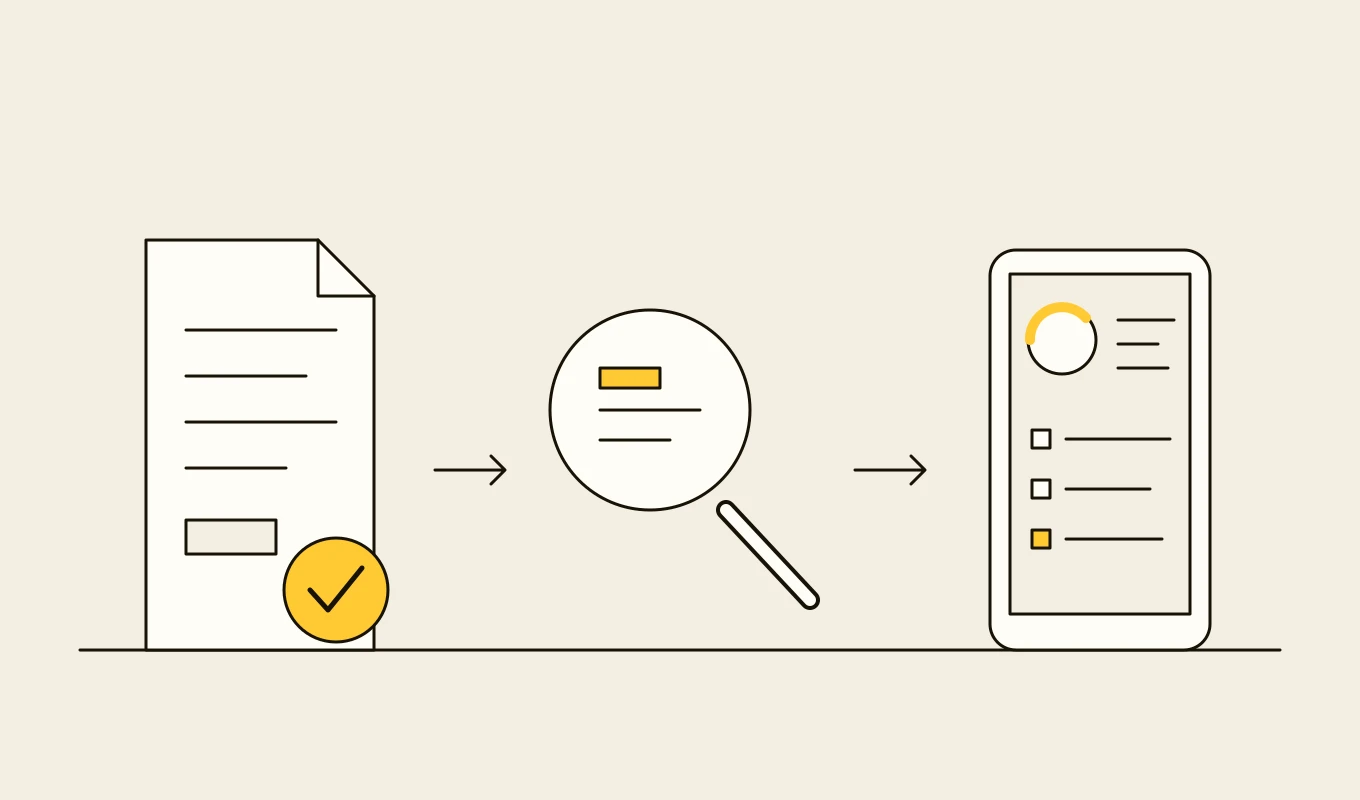
Checklist · AI readiness
Enterprise AI readiness and governance checklist
A checklist for enterprises planning machine learning, language model or agent projects: use case, data, hosting, security, evaluation, human oversight, governance, monitoring and cost.- 01Nine areas to settle before a model goes near production.
- 02The security items specific to language models and agents.
- 03Evaluation and monitoring questions that regulators and auditors ask.
- 04Seven questions to put to any vendor or development partner.
Free download
Get it on screen in a few seconds.
What the system does, module by module.
- 01
Document ingestion
Pipelines for PDFs, scans, Office files, drawings and datasheets, with OCR, layout analysis and extraction of tables, units and revision information. - 02
Structure-aware chunking
Splitting by section, clause and table rather than by character count, so an answer keeps its context, such as the clause number and the conditions that apply. - 03
Hybrid search and reranking
Keyword and semantic search combined, with reranking and filters by discipline, asset, standard and revision, to find the right passage and not just a similar one. - 04
Answers with citations
Answers that quote the source and link to the page, document and revision, so the engineer can verify in one click. - 05
Revision and applicability control
Only current approved revisions are used by default, with the ability to ask about an earlier revision, and notices when a source has been superseded. - 06
Tag and equipment awareness
Recognition of tags and equipment classes in questions, with retrieval of the datasheets, procedures and inspection records linked to them. - 07
Permissions and confidentiality
Document-level and project-level access carried into search, so users, contractors and partners see only what they are entitled to. - 08
No-answer behaviour
Clear refusal when the documents do not support an answer, with a pointer to related material or the responsible engineer. - 09
Evaluation and feedback
A test set of real engineering questions with correct sources, run on every change, and user feedback that flags wrong answers for review.
Reference architecture.
Standards and interfaces
What we design against.
- OWASP Top 10 for LLM Applications
- Controls for prompt injection, information disclosure and unsafe output when models read documents.
- CFIHOS and document numbering conventions
- Equipment classes and document types used to filter and link retrieved content.
- PDF/A and document structure formats
- Archive formats, and structured sources such as XML standards where available, which give better extraction than scans.
- Evaluation practice for retrieval and generation
- Measures of retrieval accuracy, answer faithfulness and citation correctness, tracked per release.
- Information security and licensing
- Controls on proprietary standards and licensed content, which may limit what can be indexed and who can see it.
- ISO/IEC 42001 and NIST AI RMF
- Governance frameworks for use of AI in engineering decisions.
Data model
The core entities.
- Document and revision
- Identifier, title, type, discipline, revision, status, owner, validity and access rules.
- Chunk
- Text, section path, page, table or figure reference, embedding and the document revision.
- Tag and link
- Tag mentioned or linked, equipment class and the documents associated with it.
- Question and session
- User, question, filters, retrieved passages and the answer given.
- Citation
- Source passage, page, revision and the claim in the answer it supports.
- Feedback
- User verdict, correction, reviewer and the fix made to content or settings.
- Evaluation case
- Question, correct source, expected answer points and scores by release.
When custom development is the right call.
Controls designed in, not added later.
Permission-aware retrieval
The assistant only retrieves passages the user could open directly, and removal of access takes effect immediately.Verifiable answers
Every claim is cited, and engineers are trained and prompted to verify before using an answer in a design or a procedure.Private hosting
Models and indexes run inside your environment, and documents are not used to train external models.Injection defences
Text inside documents cannot change the assistant's behaviour, and the assistant cannot take actions.Logging
Questions, sources and answers are logged for quality review and audit, with retention rules.
From discovery to a system you run.
- 01
Use case and document survey
We choose the first questions and document sets with engineers, and survey formats, quality, revisions and permissions. - 02
Evaluation set and ingestion design
Real questions with correct sources are collected, and the ingestion and chunking are designed for the documents that matter. - 03
Build and tune
Retrieval and answering are built and tuned against the evaluation set until they meet the agreed standard. - 04
Pilot with engineers
A group of engineers uses the assistant on real work, flagging wrong or missing answers. - 05
Extend content and integrations
More document sets, tag links and engineering tool integrations are added, with owners responsible for content quality.
Relevant work
Where to see our work.
Common questions.
- How do you stop the assistant inventing requirements?
- Answers are generated only from retrieved passages, and each one cites its source. If the documents do not support an answer, the assistant says so. We test with real questions on every change and track unsupported claims.
- Does it handle tables and drawings?
- Tables and units are extracted with structure, so values keep their meaning. Drawings and P&IDs are indexed through their title blocks, tags and text, and linked to the equipment they show.
- How does it deal with superseded standards?
- Each document carries its revision and status. By default only current approved revisions are used, and the assistant warns when a question touches a superseded document.
- Can contractors use it?
- Yes, with their own permissions. They see only the documents released to them, and the assistant cannot reveal anything else.
- Who owns the system and the code?
- You do. The code, the indexes and the evaluation sets stay yours.